iOS App Beta Released
Snapmeal is now available as a native iPhone app via TestFlight. This update also adds account deletion support and an in-app error recovery button.
📱 iOS App Beta on TestFlight
Snapmeal was previously only available in the browser. You can now install it directly on your iPhone as a native app via TestFlight.
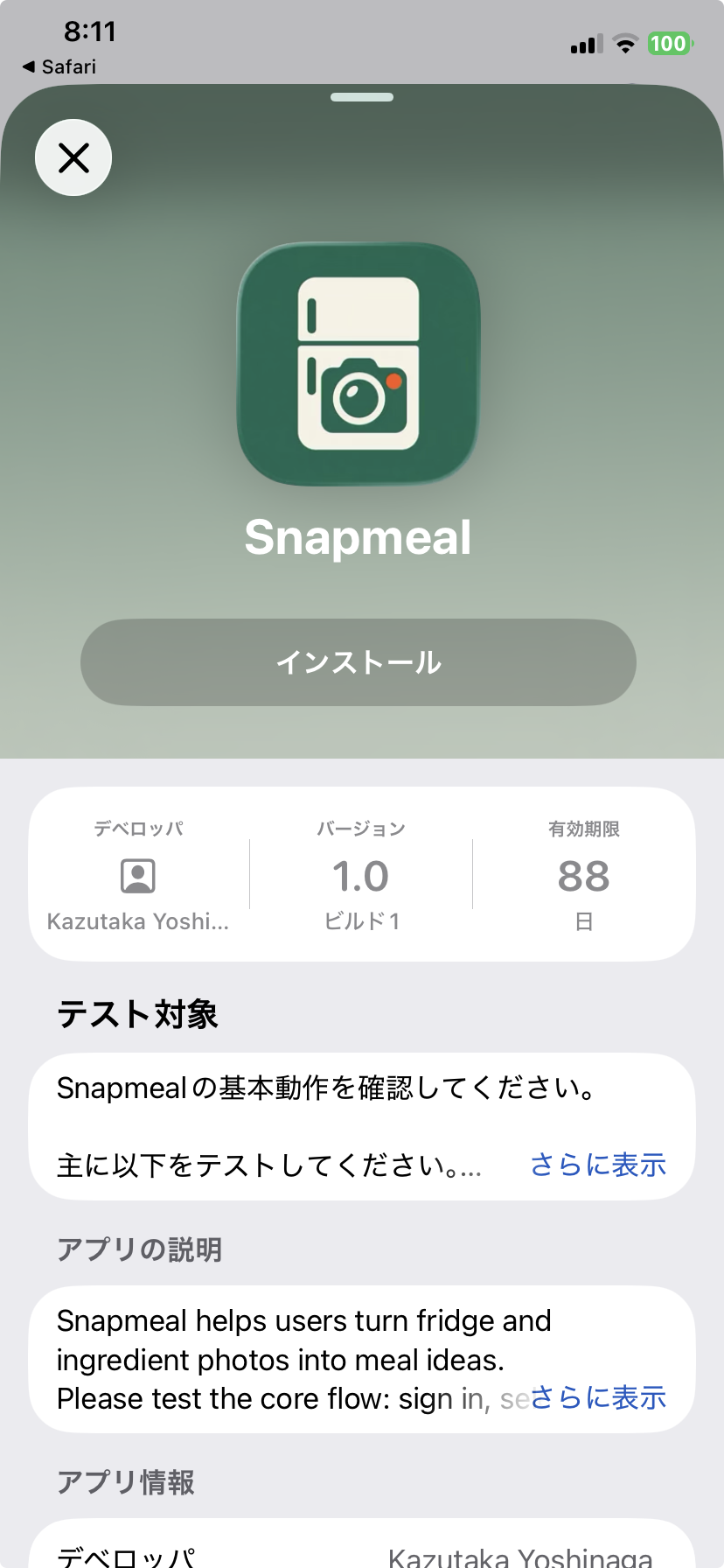
A native app experience
An icon on your home screen, faster launch, and tighter integration with iOS features like the camera.
How to install
- 1.Open the link in Safari on your iPhone
- 2.Install the TestFlight app if you haven't already
- 3.Install the Snapmeal beta
🗑️ Account Deletion
You can now request account deletion directly from the settings screen.
How it works
- 1.Open Settings and tap "Delete account"
- 2.A confirmation modal shows what data will be deleted
- 3.Tap "Open deletion request page" to send a deletion request by email
Deletion is usually completed within 30 days of identity verification.
🔄 Error Recovery Button
When an error occurs during analysis, a "Start over" button now appears on the spot — no need to reload the page.
Before
A full page reload was required to recover from an analysis error
After
A "Start over" button appears inline — tap once to retry immediately
Try the latest version